
Lumixia Portable Full HD 1080p Smart Projector | Wireless WiFi Same Screen Mirroring | Compatible with iOS, Android, Laptops & Gaming Consoles
AI Android
$322.84
Sale price
$322.84
Regular price
Skip to product information


Lumixia Portable Full HD 1080p Smart Projector | Wireless WiFi Same Screen Mirroring | Compatible with iOS, Android, Laptops & Gaming Consoles
$322.84
Sale price
$322.84
Regular price
## ✨ Transform Your Space into a Private Cinema! 🎬
Experience the magic of the big screen from the comfort of your home. This sleek, ultra-portable projector brings your favorite movies, games, and memories to life with stunning clarity and vibrant color. Whether it's a cozy movie night or a high-octane gaming session, your wall is your new canvas. 🌟
---
## 🛠️ Technical Specifications
| Feature | Performance Details |
| :--- | :--- |
| **Native Resolution** | 854 x 480 Pixels (Crisp SD) |
| **Max Resolution** | 1920 x 1080 Full HD Support |
| **Contrast Ratio** | 1000:1 (Deep Blacks & Bright Whites) |
| **Display Tech** | 4.0" LCD Imaging System |
| **Lamp Life** | 30,000+ Hours (10+ Years of usage!) |
| **Keystone** | Vertical +/- 15° (Manual Adjustment) |
| **Connectivity** | HDMI, USB, VGA, AV, SD Card, 3.5mm Aux |
---
## 📏 Perfect Fit: Size & Distance Guide
Find the "Sweet Spot" for your setup to ensure the most immersive viewing experience.
| Projection Distance | Screen Size (Diagonal) | Best For: |
| :--- | :--- | :--- |
| **0.8 Meters** | 24 Inches | 🖥️ Desktop Mirroring |
| **2.5 Meters** | 80 Inches | 🍿 **The Golden Zone (Best Quality)** |
| **3.8 Meters** | 85+ Inches | 🌌 Ultimate Immersive Cinema |
---
## 💡 Expert Pro-Tips for Peak Performance
> [!tip]
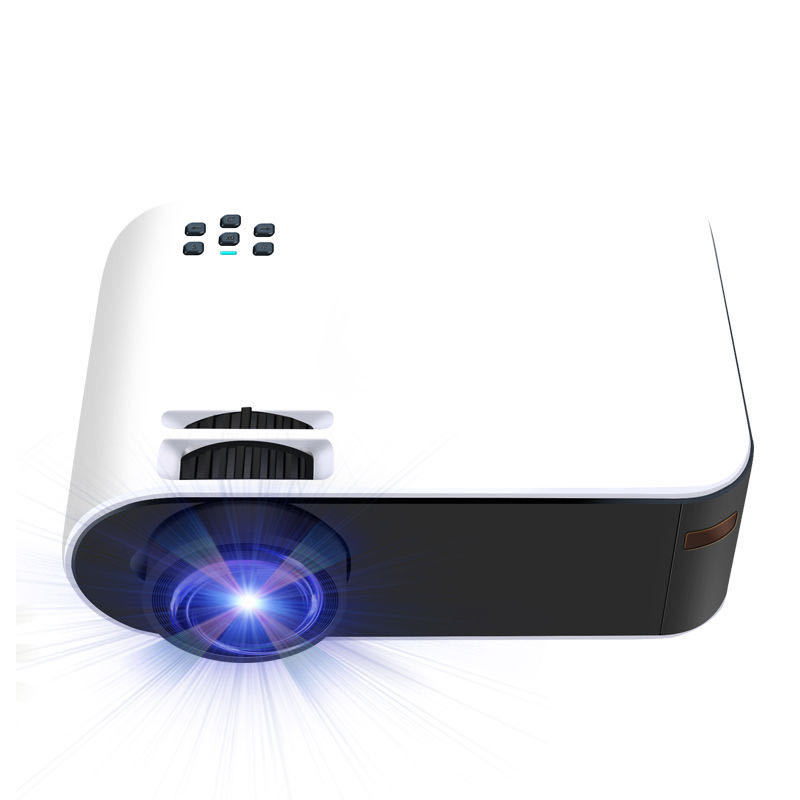
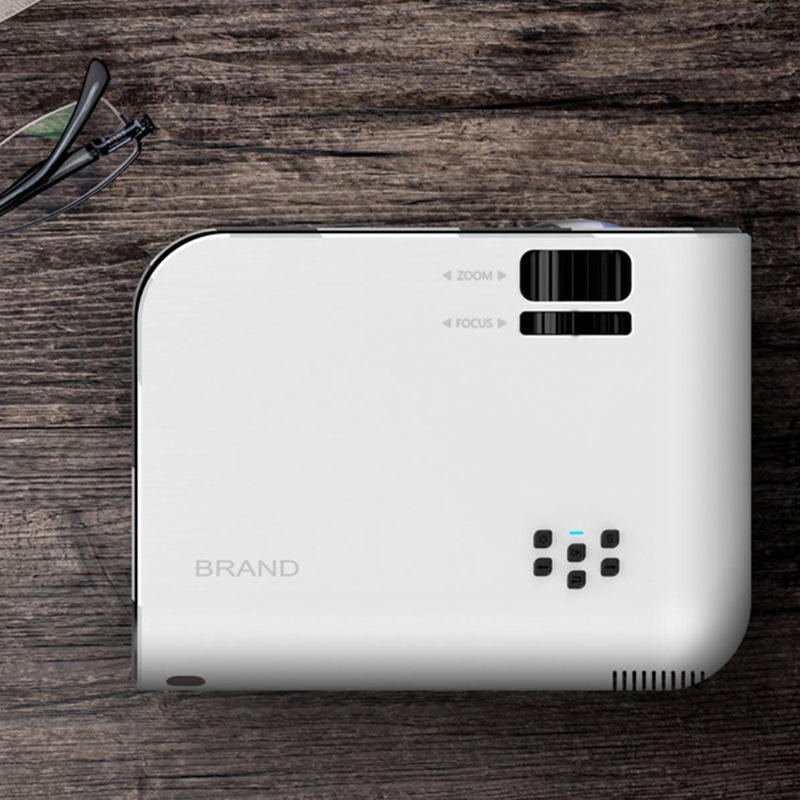
> **For the White & Black Model:** To keep your unit looking pristine, use a microfiber cloth for the white chassis. Ensure at least 10cm of space around the vents to prevent the black heat-sync area from overheating.
> [!important]
> **For 80" Installations (Best Size):** Place the projector exactly **2.5 meters** from the wall. This balances pixel density and brightness perfectly, giving you that "theater look" without losing detail.
> [!note]
> **Focus & Keystone:** Always adjust the **Vertical Keystone (+/- 15°)** first to square the image, then use the manual lens ring to sharpen the focus.
> [!warning]
> **Audio Tip:** For the best cinematic sound, use the **3.5mm output** to connect external speakers or a soundbar, especially when using the maximum 85" screen size.
---
### 🚀 Quick Start Guide
1. **Power Up:** Connect the power cable and press the top power button.
2. **Source Select:** Plug in your HDMI (Console/Laptop) or USB and select the source via the on-device buttons.
3. **Align:** Adjust the distance (0.8m – 3.8m) based on your room size.
4. **Enjoy:** Dim the lights, grab the popcorn, and enjoy the show! 🍬🥤
Details
This product is crafted with quality materials to ensure durability and performance. Designed with your convenience in mind, it seamlessly fits into your everyday life.
Shipping & Returns
We strive to process and ship all orders in a timely manner, working diligently to ensure that your items are on their way to you as soon as possible.
We are committed to ensuring a positive shopping experience for all our customers. If for any reason you wish to return an item, we invite you to reach out to our team for assistance, and we will evaluate every return request with care and consideration.


